Install yay on Arch Linux
| Updated
This guide will walk through the steps for installing yay (Yet another Yogurt) which is an AUR Helper. This will let you install packages from the AUR (Arch User Repository) in the same way you install packages from the Arch Repo with pacman.
Update 2021-05-21: There is a new AUR Helper that has got a lot of traction. It’s called paru and works mostly the same but is written in Rust! I have a guide for installing it as well.
Installation
Do not run makepkg -si as root.
pacman -S git binutils make gcc fakerootgit clone https://aur.archlinux.org/yay-bin.gitcd yay-binmakepkg -siUsage
| Command | Function |
|---|---|
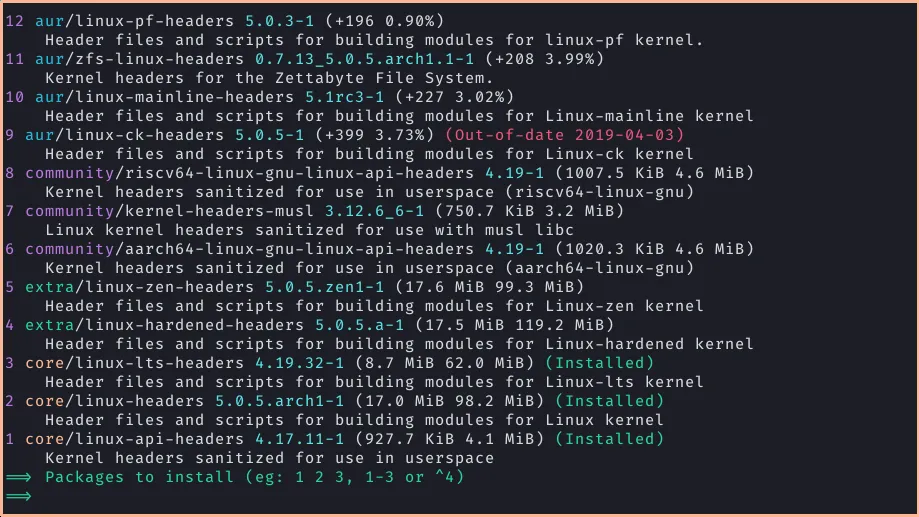
| yay -Ss foo | Searches for package foo on the repos or the AUR. |
| yay -Si foo | Get information about a package. |
| yay -S foo | Installs package foo from the repos or the AUR. |
| yay -Rns foo | Remove package, its dependencies and config files. |
| yay -Syu | Update package list and upgrade all installed repo and AUR packages. |
| yay -Sua | Update all currently installed AUR packages. |
| yay -Qua | Print available AUR updates. |
| yay -Yc | Uninstall unneeded dependencies. |